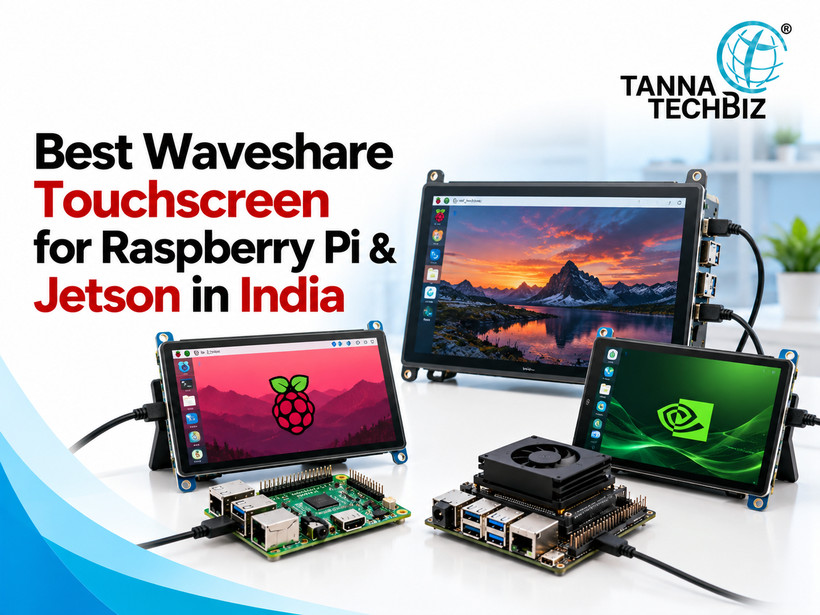
You've spent hours planning your project, choosing the right board and getting the software ready. Now comes another decision: which touchscreen should you buy? It's easy to get stuck here. Some screens look great but don't support your setup. Others have the right size but lack the touch features you need.
If you're comparing displays for Raspberry Pi, don't focus on screen size alone. Think about how you'll use the display every day. For instance, a 5-inch resistive touch LCD may work well for a workshop control panel, while a finger-operated screen may suit a smart kiosk.
Glove-Friendly, Finger-Friendly or Stylus: How Are They Touched?
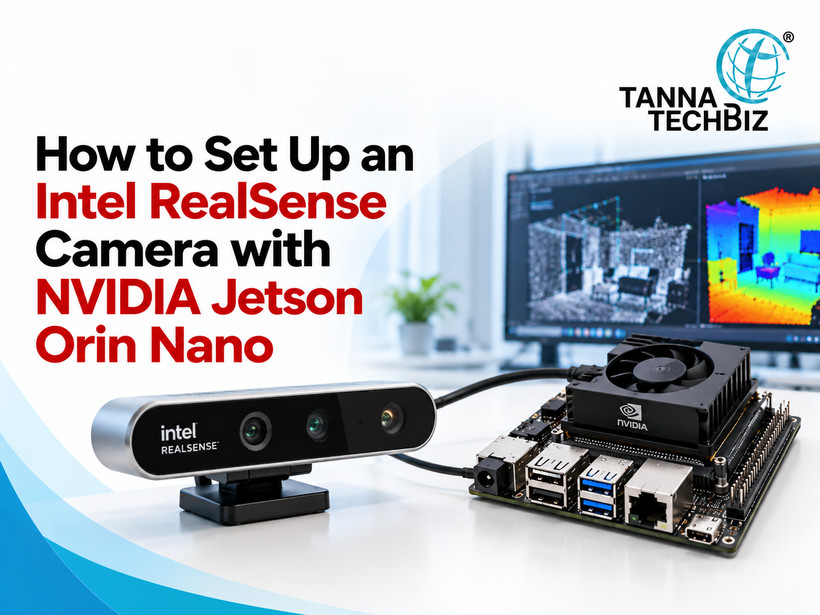
Setting up a depth camera for your robotics project sounds exciting until the technical problems begin. The camera is not detected, software installation fails, and the video feed stops abruptly. And the list goes on. But there are ways to make things simpler and quicker. In this article, we discuss how to connect and set up RealSense D435i to an NVIDIA Jetson Orin Nano.
The Orin Nano board is one of the best options for developers who need a robust platform for computer vision and robotics projects among NVIDIA Jetson developer boards. But just plugging in the USB cable is not enough. You will also need to ensure stable power delivery, compatible software and configure the device.
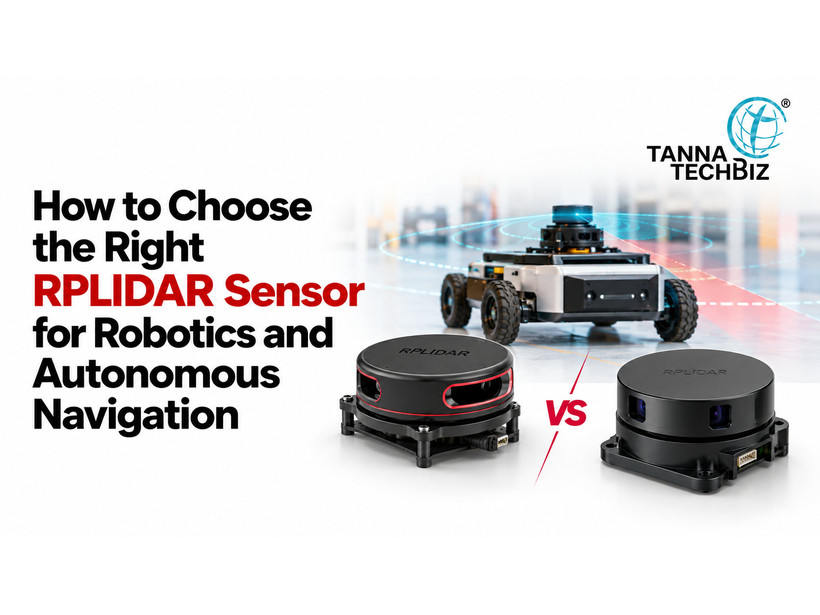
Creating a robot becomes a challenge when it starts avoiding obstacles improperly or finds no way home. You have put a lot of effort into selecting motors, controllers and software. Yet, a single mistake with a sensor might ruin the whole thing. And here comes the RPLIDAR. It helps robots detect nearby objects and perceive their environment. But making a choice may become a tough task itself. You should know the range, speed, power consumption and compatibility with your robot controller.
Whether your controller is a banana pi board or a Raspberry Pi, it should match your robot requirements. Here is how to make your choice with no fuss.
Decide What Kind of Robot You Are Going to Build
Small indoor and large outdoor robots have different tasks. An indoor warehouse robot should be able to
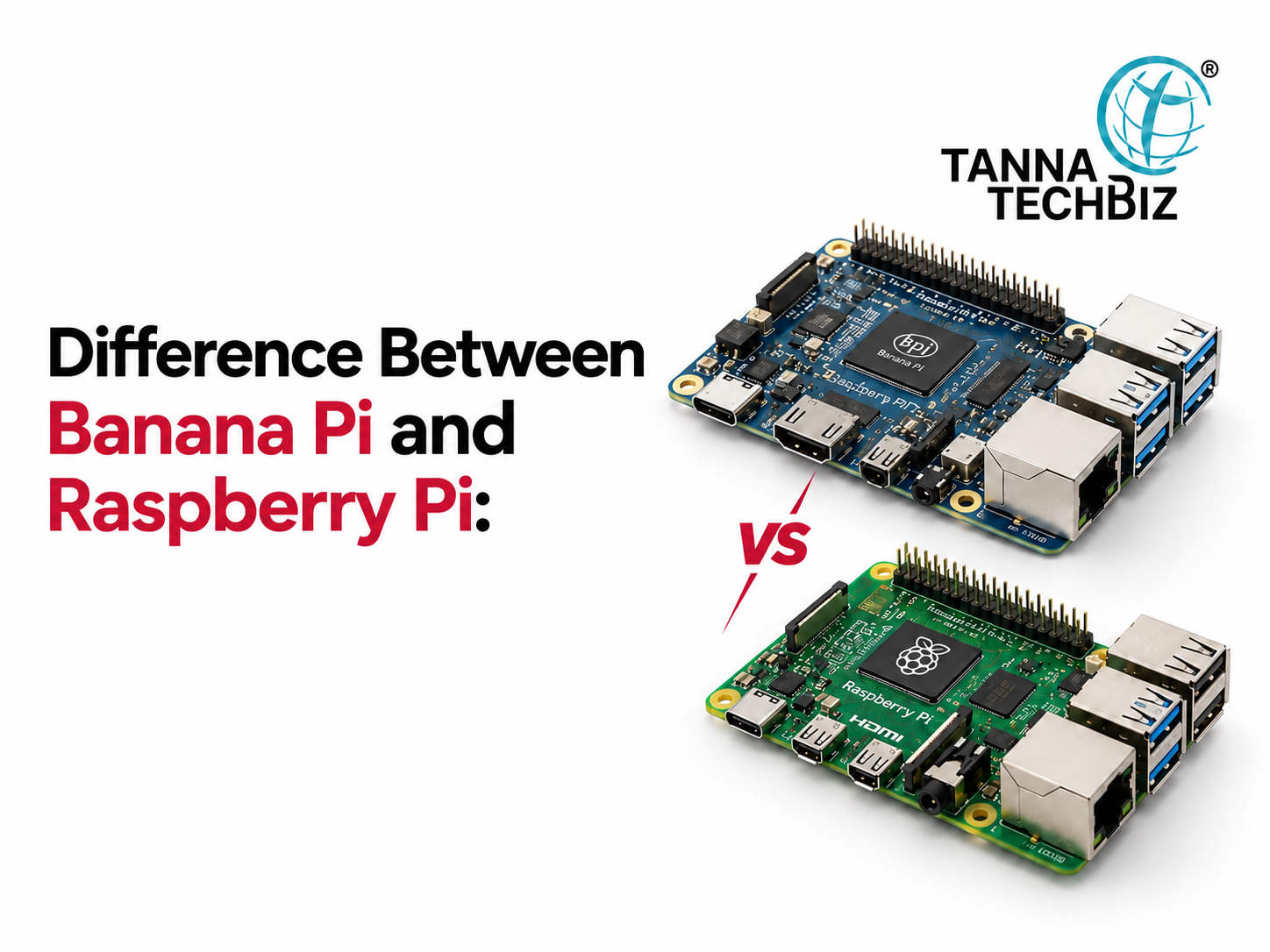
Choosing a small computer for your project can feel confusing. You want something affordable, easy to use and powerful enough to handle your tasks. However, with so many options, it's hard to know which one is worth your money.
Two popular choices are the Banana Pi board and Raspberry Pi. Both can support coding, automation and electronics projects, but they offer different features. One may suit a beginner learning programming, while the other may work better for networking or storage.
So, before spending your money, it helps to understand what makes these boards different and which one matches your needs.
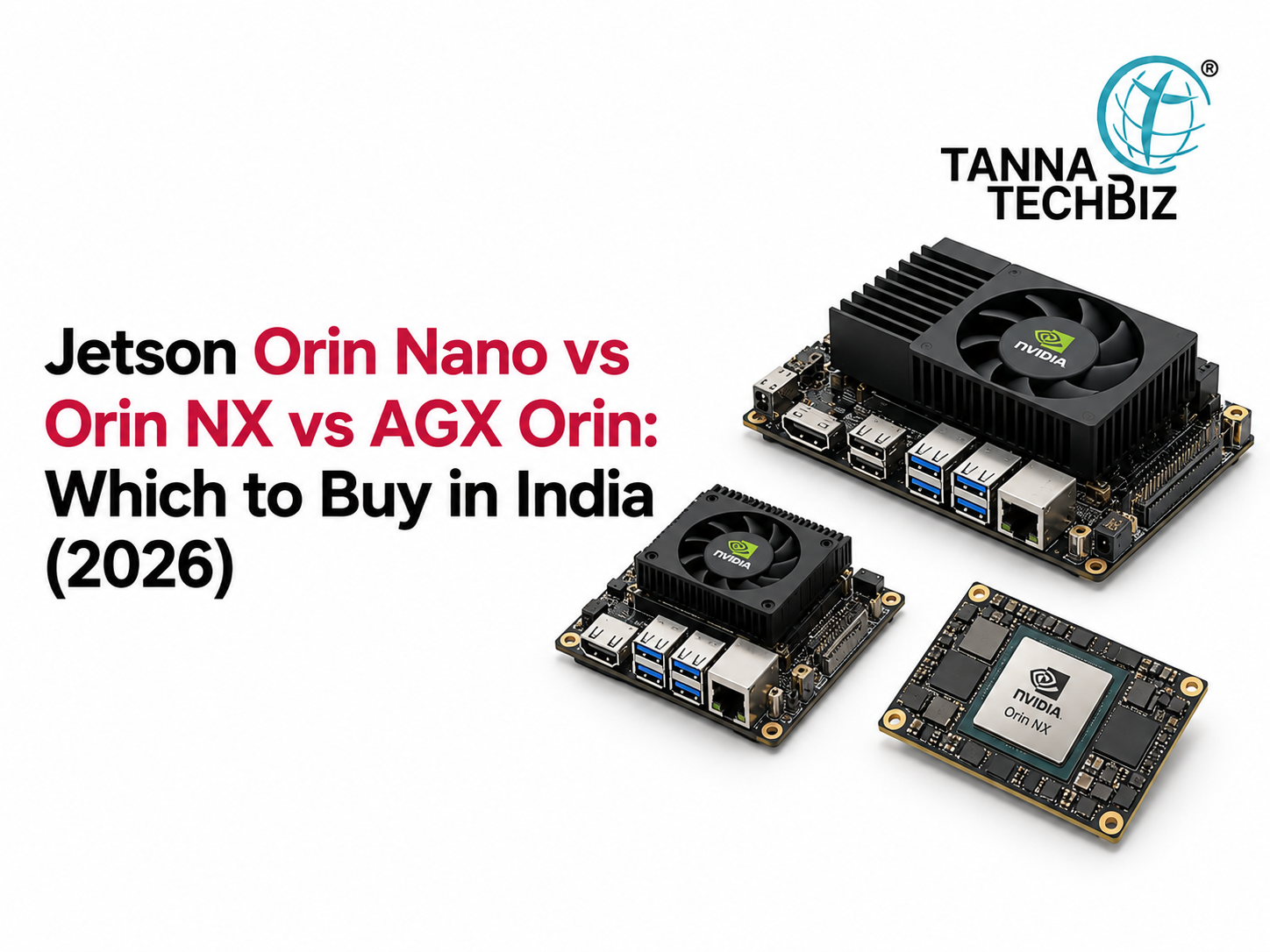
Choosing the rightNvidia Jetson board can get confusing fast. Specs, power limits, memory and AI performance all matter, but it is easy to lose sight of what the project actually needs. When evaluating an Nvidia Development Board to use for robotics, computer vision, or edge AI, the objective is not to pick the strongest option out there. It is about striking the right balance between performance, power, and price point.
The following comparison will minimise the amount of technical jargon to make your decision clear.

 October 27, 2026