Kaya Robot by Tanna TechBiz: A Three-Wheeled Robot That Can Map Homes and Play Football
Robots are becoming useful in many areas, from industrial work to home assistance. But what happens when a small robot can understand its surroundings, create a 3D map of a home, move without human control, and even play football?
Meet Kaya Robot by Tanna TechBiz, a three-wheeled robotics project built using NVIDIA's edge AI technology. Kaya can explore a home, remember different rooms, find its location, and move to a requested place using simple language.
The project also shows how a robot can learn new movements in a virtual environment before performing the same task in the real world.
What Is Kaya Robot?
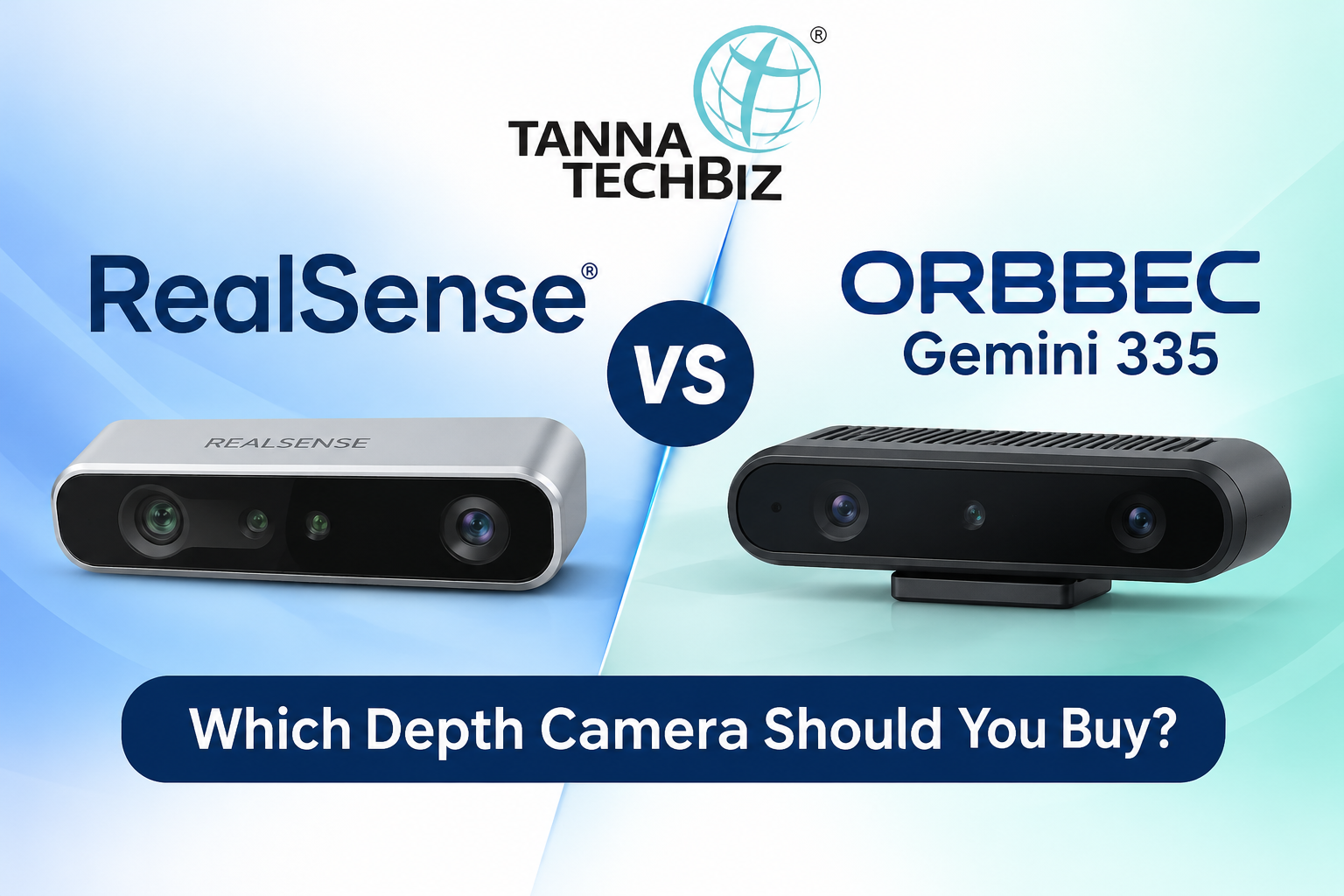
Kaya is a compact three-wheeled mobile robot developed using NVIDIA's edge AI platform. It uses an NVIDIA Jetson Orin Nano 8GB computer and an Orbbec Gemini 335L camera to understand its surroundings and perform different tasks.
Unlike robots that depend on LiDAR or multiple additional sensors, Kaya uses a single camera for its mapping and navigation tasks.
One interesting feature is its ability to understand simple instructions. For example, a user can ask, "Take me where I can cook." Kaya identifies the kitchen from its saved map and drives towards that location.
Kaya has also been trained to find, control, and score a football using a virtual training environment.
Hardware Used in Kaya Robot
Kaya runs its main tasks on a compact onboard computer. Each hardware component has a specific role in helping the robot move, see and understand its surroundings.
It combines stereo infrared, depth, colour and an Inertial Measurement Unit (IMU) in one camera.
This allows Kaya to understand distances, recognise its surroundings and track its movement.
3. Three Omni Wheels
Kaya uses three 74 mm omni wheels connected to Waveshare ST3020 servos.
The wheels are placed 120 degrees apart. Their small rollers allow the robot to:
Move forward and backward.
Move sideways.
Move diagonally.
Rotate while moving.
This wheel design helps Kaya move in different directions without first turning its body.
4. Power Supply
Kaya uses a 20V power-tool battery pack.
With its main systems running, the robot can operate for approximately 2.5 hours on a single charge.
5. Training Computer
An Ubuntu workstation with an NVIDIA RTX 5090 GPU is used for the dashboard, virtual simulation and robot training.
Key Features and Real-World Test Results
Kaya's performance was tested on the actual robot. The following results show what it can achieve.
Capability
Measured result
Camera-based position tracking
Less than 1% error over 17 metres
3D home mapping
Successfully mapped a 202 m² flat
Position recovery after restart
Within 6 cm
Navigation accuracy
Arrives within 6–14 cm over 3.5 m trips
Understanding home-related questions
6 correct answers out of 6
Learning movement in simulation
100% success after 3 minutes of training
Football performance
99.9% in simulation and 3 goals out of 4 in real-world testing
These results demonstrate Kaya's ability to perform mapping, navigation, and movement tasks in both virtual and real environments.
Application 1: Smart Home Mapping and Navigation
One of Kaya's main applications is indoor navigation.
The robot can explore a home, create a 3D map, and remember the locations it has visited. Once the map is ready, users can ask Kaya to move to a particular location.
Here is how it works:
Step 1: Create a 3D Map
Kaya moves around the home and builds a 3D map of the rooms. During this process, it saves 62 snapshots of places it has seen.
Step 2: Track Its Location
Using its camera, Kaya keeps track of its position while moving around the home.
Step 3: Plan a Route
Users can select a location on the dashboard map. Kaya plans a path and moves towards the selected destination while avoiding obstacles.
Step 4: Follow Simple Instructions
Users can type questions such as:
Where can I cook?
Where can I eat?
Where can I sleep?
Where can I wash?
Kaya identifies the correct location from its saved information and drives towards it.
In one test, Kaya correctly answered all six location questions and travelled 5.1 metres to reach the kitchen.
A web-based dashboard also allows users to see the 3D map, camera view, planned path and robot movement in real time.
Application 2: Robot Football
Kaya is not limited to home navigation. It has also been trained to play football.
The challenge was simple: find a yellow ball on the floor, move behind it, control the ball and push it into a small box-shaped goal.
To achieve this, the project used NVIDIA Isaac Sim and NVIDIA Isaac Lab.
How Kaya Learned to Play Football
1. Creating a Virtual Robot
A digital copy of Kaya was created in NVIDIA Isaac Sim. It was designed to match the real robot, including its 36 wheel rollers.
2. Training in a Simulator
Using NVIDIA Isaac Lab, thousands of virtual versions of Kaya practised different movements at the same time.
This training method is called reinforcement learning, where the robot learns through repeated attempts and feedback.
3. Learning Different Movements
The virtual robots first learned how to drive towards a selected point. They achieved 100% success after three minutes of training.
After that, the training focused on finding and controlling the ball.
4. Handling Obstacles
A later version was trained in rooms with walls, corners and obstacles. This helped Kaya learn how to recover a ball stuck in a corner.
5. Testing in the Real World
After training, the learned system was transferred to the real robot without changes.
Kaya successfully scored 3 goals out of 4 attempts using a real football on a real floor.
This project shows how virtual robot training can help develop skills before testing them in the physical world.
Technology Behind Kaya Robot
Kaya combines different NVIDIA and robotics technologies to perform its tasks.
Technology
Purpose
NVIDIA Jetson Orin Nano
Onboard computing
NVIDIA Isaac ROS
Robot perception and mapping
cuVSLAM
Camera-based position tracking
nvblox
3D mapping
ROS 2 Nav2
Path planning and navigation
NVIDIA Isaac Sim
Virtual robot simulation
NVIDIA Isaac Lab
Robot training and learning
Ubuntu and RTX 5090
Training and dashboard workstation
Together, these technologies help Kaya understand its surroundings, plan movement, and learn new tasks.
Open-Source Robotics Project
Another important part of Kaya is that the complete project is open source under the Apache 2.0 licence.
The project repository includes:
Robot source code.
Hardware build guide.
Trained AI models.
Learning journal.
Simulation videos and visual resources.
3D home mapping visuals.
Developers, robotics students and technology enthusiasts can explore the project and learn how the robot was designed and trained.
Kaya Robot is a practical example of how robotics, cameras, onboard computing and virtual training can work together.
From creating 3D maps of homes to following simple instructions and playing football, Kaya demonstrates several useful robotics capabilities.
Built using NVIDIA Jetson Orin Nano, Orbbec Gemini 335L and NVIDIA Isaac technologies, the project also provides an open-source reference for developers and robotics enthusiasts interested in building similar systems.
At Tanna TechBiz, projects like Kaya highlight how modern embedded computing hardware can support real-world robotics development and testing.
Interested in robotics and embedded computing solutions? Explore the range of development boards, embedded systems and robotics products available at Tanna TechBiz.
Kaya Robot: A Platform for Many Robotics Applications
The home mapping and robot football projects are two examples of what Kaya can achieve. However, these are not the only tasks this robot is designed to perform.
Powered by the NVIDIA Jetson Orin Nano and NVIDIA's robotics software stack, Kaya provides a flexible platform for developing and testing a wide range of robotics applications. Its onboard computing, camera-based perception, movement capabilities and ability to learn tasks through simulation make it suitable for exploring many different ideas and real-world use cases.
Developers and researchers can build on this platform to experiment with autonomous movement, object detection, indoor robotics, intelligent navigation, robot learning and other custom applications.
The two projects discussed in this article demonstrate the capabilities already tested on Kaya. They should be viewed as examples of its potential, rather than limitations on what the robot can do.
Kaya is more than a home-mapping or football-playing robot. It is a development platform that opens up opportunities to build, test and explore many different robotics projects using NVIDIA technology.
Frequently Asked Questions (FAQs)
1. What is Kaya Robot?
Kaya is a three-wheeled mobile robot that can create 3D maps, navigate indoor spaces, follow simple instructions, and play football.
2. Which processor does Kaya Robot use?
Kaya uses the NVIDIA Jetson Orin Nano 8GB for onboard computing and running its mapping, navigation, and football systems.
3. Can Kaya Robot create a 3D map of a home?
Yes. Kaya successfully mapped a 202 m² flat during testing and saved 62 snapshots of places it visited.
4. Does Kaya Robot use LiDAR?
No. Kaya uses an Orbbec Gemini 335L camera for its mapping and navigation tasks without LiDAR or additional sensors.
5. Can Kaya Robot play football?
Yes. It can find a yellow ball, move behind it, dribble it, and push it into a goal. During real-world testing, it scored 3 goals out of 4 attempts.
6. Which software technologies are used in Kaya?
The project uses NVIDIA Isaac ROS, cuVSLAM, nvblox, ROS 2 Nav2, NVIDIA Isaac Sim, and NVIDIA Isaac Lab.
7. Is Kaya Robot an open-source project?
Yes. Its source code, build guide, trained AI and learning journal are available under the Apache 2.0 license on GitHub.

 November 26, 2026