Choosing your first Arduino can feel confusing. The boards look similar, yet each one is built with a slightly different purpose in mind. The Uno is popular with beginners, the Nano is for compact projects, and the Mega offers more pins and room for larger builds.
So, which Arduino development board should you actually buy? The answer depends less on which board is “best” and more on what you want to build.
Arduino Uno: The Beginner-Friendly Choice
The Arduino Uno is usually the easiest place to start. It has a simple layout, plenty of beginner tutorials, and enough input/output pins for common electronics projects.
Want to connect LEDs, buttons, temperature sensors, or a small mot
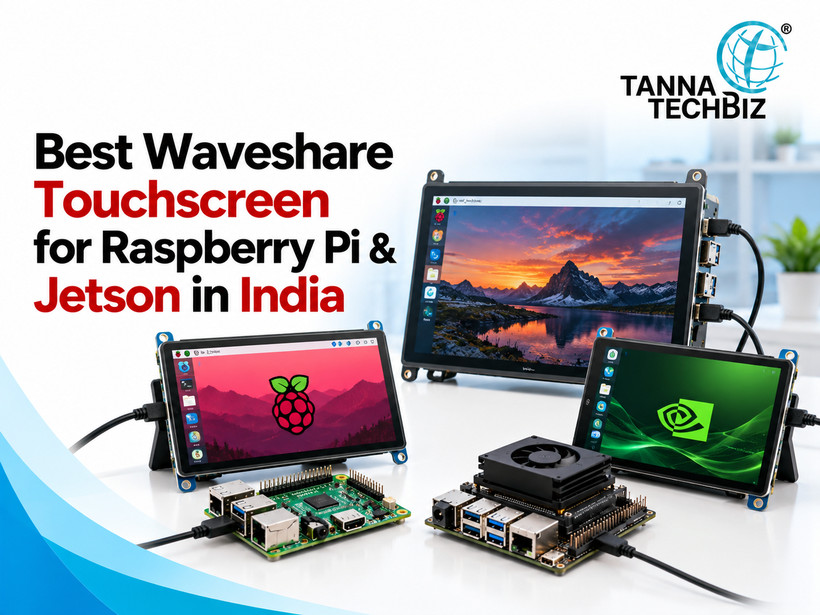
A screen can completely change how a Raspberry Pi project feels. Instead of checking data through a laptop, you can see sensor readings, control a robot, display a camera feed, or interact with a smart device directly from the project itself.
That’s where a Raspberry pi display becomes useful. From compact touchscreens to larger HDMI panels, there are plenty of options for different kinds of builds. Here are 10 display types worth considering:
1. Raspberry Pi Official Touch Display
A natural choice for Raspberry Pi projects. Its touchscreen interface works particularly well for dashboards, smart home controls, and portable devices.
If you have ever wondered how a washing machine knows when to stop, how a smart door lock responds to your phone, or how a small robot knows where to move, there is a good chance a microcontroller is thinking about the scene.
At the heart of many of these projects sits a microcontroller development board. For beginners, the name can sound more complicated than it really is. Think of it as a small testing platform that lets you write code, connect electronic components, and turn an idea into a working device.
What Is a Microcontroller Development Board?
A microcontroller development board combines a microcontroller with useful connections and components that make

 October 27, 2026