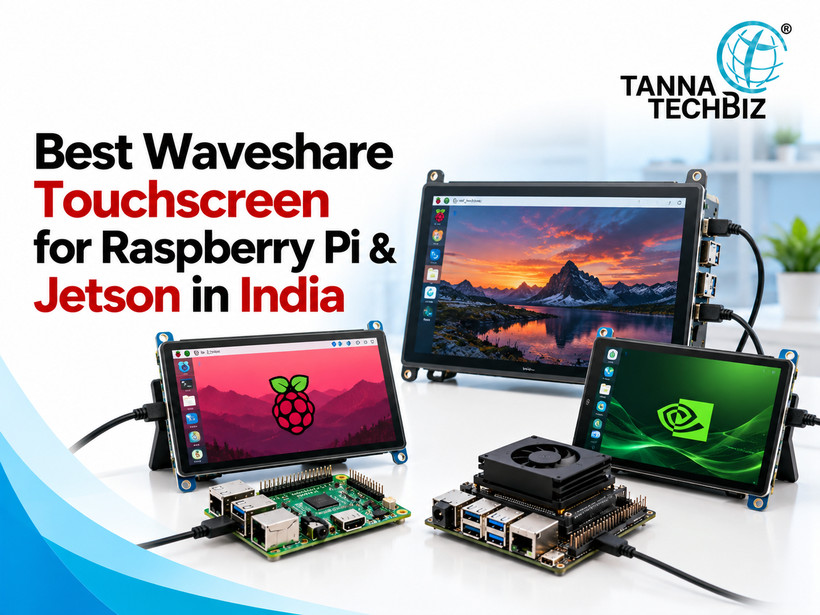
Building a Raspberry Pi or Jetson project is exciting until you realise that choosing a touchscreen involves more than finding the right size. A display might look perfect online, but what happens if the touch function doesn't work or the screen needs extra power? These small details can turn a simple project into hours of troubleshooting.
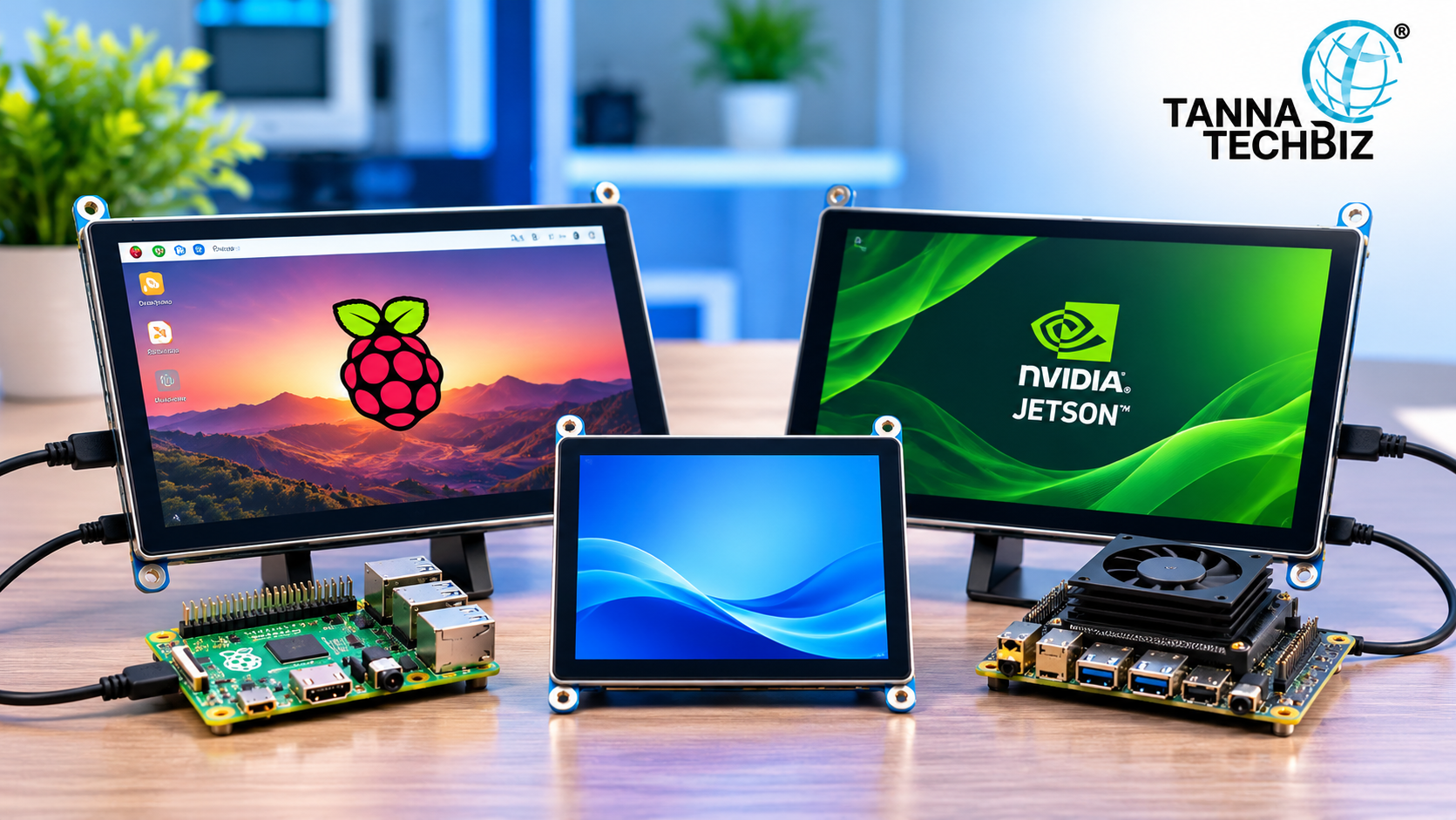
That's why selecting the right Waveshare display deserves some attention. Whether you're developing an AI camera interface, robotics system or industrial control panel, your touchscreen should match the board, software and working environment.
Understanding a few technical details can make the selection process much simpler.
Consider Your Project's Goals First
The use of a touchscreen differs for each project, depending on the tasks it needs to perform. A robotics control panel should have fast and responsive touch controls, while an industrial dashboard may need specific viewing angles and other features.
Therefore, the choice of touchscreen will largely depend on the interaction pattern you expect from it.
Determine the Compatibility of Your Raspberry Pi/Jetson Board and the Display
Before choosing a particular screen for your board, it is vital to make sure it is compatible. Find out your board model, its operating system and the available connections.
It is also necessary to check the supported resolutions and touch drivers. Jetson users should additionally check their version of JetPack because it determines the software support available for the touch display.
Also, it is worth reading the documentation provided by the manufacturer to learn about any additional drivers or configuration steps.
Get to Know HDMI, DSI and USB Interfaces
A touchscreen often needs different connections to display images and receive touch input.
An HDMI interface is mostly used for displaying images, while USB is typically responsible for receiving touch input on many models. DSI is another display connection option for certain Raspberry Pi boards.
Meanwhile, GPIO and SPI interfaces are widely used in certain small embedded displays.
So, it is necessary to become familiar with all the interface requirements before purchasing a touchscreen. The fact that a screen has an HDMI connector does not necessarily mean it will not require a USB cable for touch input.
Compare Touch Technology, Screen Resolution and Brightness
Capacitive touchscreens provide a smooth touch experience, so they can be used in kiosks, dashboards or interactive systems. On the other hand, resistive screens react to pressure, which makes them useful for operations performed with gloves or a stylus.
However, touch input technology is just one of the factors to consider. Display resolution, brightness and viewing angles matter too.
For example, a display located near a window may require higher brightness. In turn, an industrial dashboard may require a high enough resolution to show detailed text clearly.
Think About Power Consumption and Environmental Conditions
In addition to compatibility, resolution and brightness, a touchscreen requires careful installation planning. It is necessary to know its power consumption, the number and positions of mounting holes, its thickness and cable width. It is also important to consider possible environmental influences such as dust, heat and vibrations.
Proper cable management will make installation easier and minimise the risk of cable connection problems.
Detailed Description of a Waveshare Touchscreen
As an example, there is a 10.1-inch waveshare display with capacitive touch input, an IPS screen, an HDMI interface and a 1024 × 600 resolution. Moreover, it has optical bonding.
According to the compatibility information, the touchscreen can be used with Raspberry Pi, Jetson Nano and PC. However, it is always better to check compatibility with your particular board and software version.
Select the Right Touchscreen for Your Development Project
Choosing the right touchscreen means considering its compatibility, touch technology, screen properties and installation requirements.
When developing a project on Raspberry Pi or Jetson boards, it is necessary to select a suitable waveshare display from the variety of available screens at Tanna TechBiz.

 November 19, 2026