Creating a robot becomes a challenge when it starts avoiding obstacles improperly or finds no way home. You have put a lot of effort into selecting motors, controllers and software. Yet, a single mistake with a sensor might ruin the whole thing. And here comes the RPLIDAR. It helps robots detect nearby objects and perceive their environment. But making a choice may become a tough task itself. You should know the range, speed, power consumption and compatibility with your robot controller.
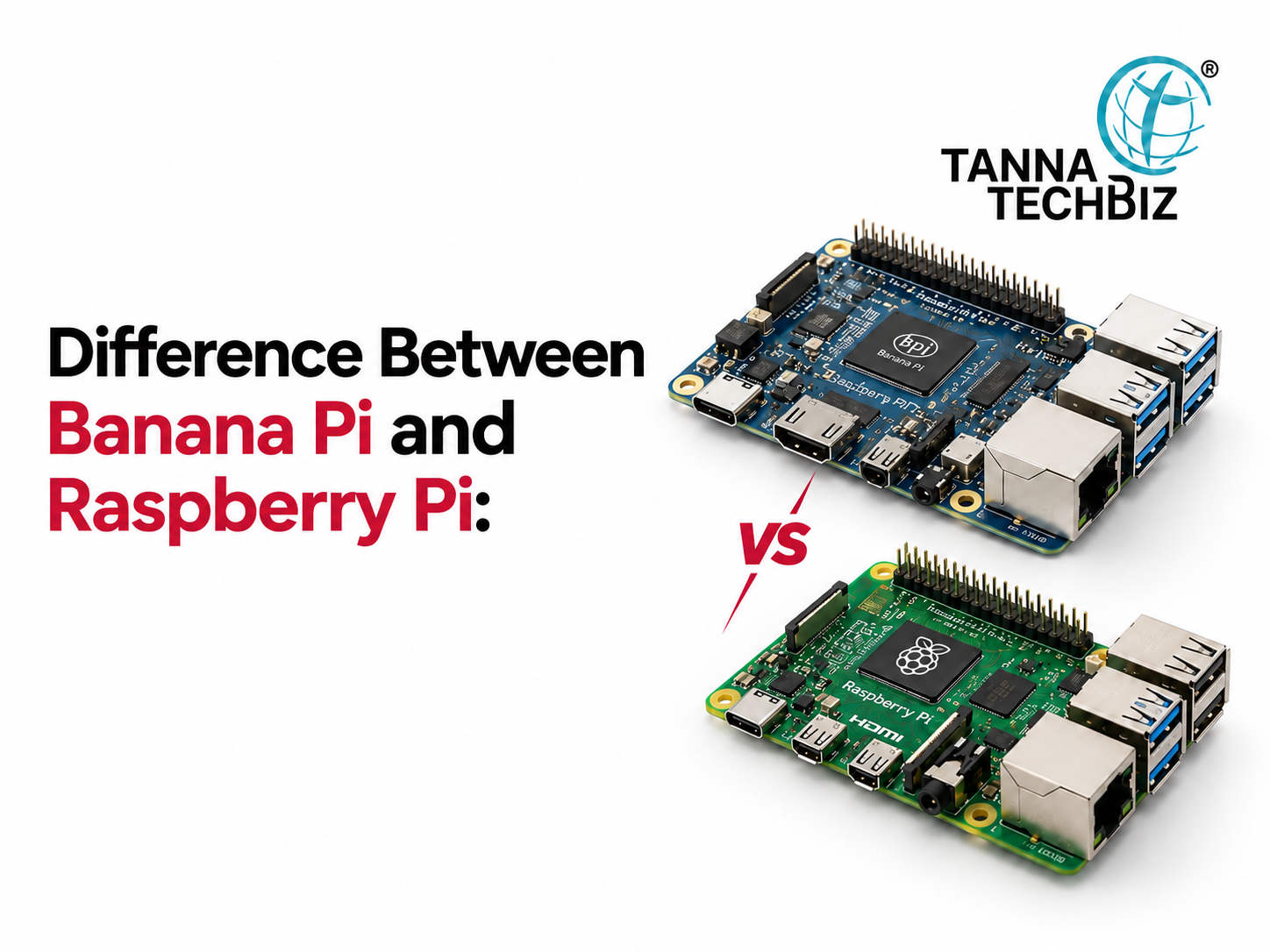
Whether your controller is a banana pi board or a Raspberry Pi, it should match your robot requirements. Here is how to make your choice with no fuss.
Decide What Kind of Robot You Are Going to Build
Small indoor and large outdoor robots have different tasks. An indoor warehouse robot should be able to perceive shelves, walls and people. At the same time, the outdoor robot has to deal with sunlight, dust and changes in surface type.
Therefore, first decide what kind of environment your robot will work in. Besides, you should think about your navigation tasks. Will your robot need only obstacle avoidance, mapping or navigation?
Forget About Ranges Only
Longer measurement range is impressive, but the accuracy and detail are important as well. The RPLIDAR S2L can measure distances ranging from 0.05 m to 18 meters. Besides, it has 0.12-degree angular resolution and sampling frequency of 32 K.
But all these characteristics should match your robot work environment. Slow indoor robots may not require long-range measurements. In this case, precise perception of close objects becomes crucial.
Your Robot Movement Rate Changes Everything
A moving robot constantly needs information about the surrounding environment. Otherwise, the robot would act too late to detect the object in front of it.
The RPLIDAR S2L can perform 10 scans per second. Therefore, it may become sufficient for many projects requiring navigation. However, faster robots may need some other sensing and processing technologies.
Therefore, compare the scanning rate with the robot movement speed and computing power.
Pay Attention to Communication Capabilities First
It is crucial that the sensor works with the controller correctly. For example, the RPLIDAR S2L supports 3.3 V TTL UART communication protocol and needs 5 V power supply.
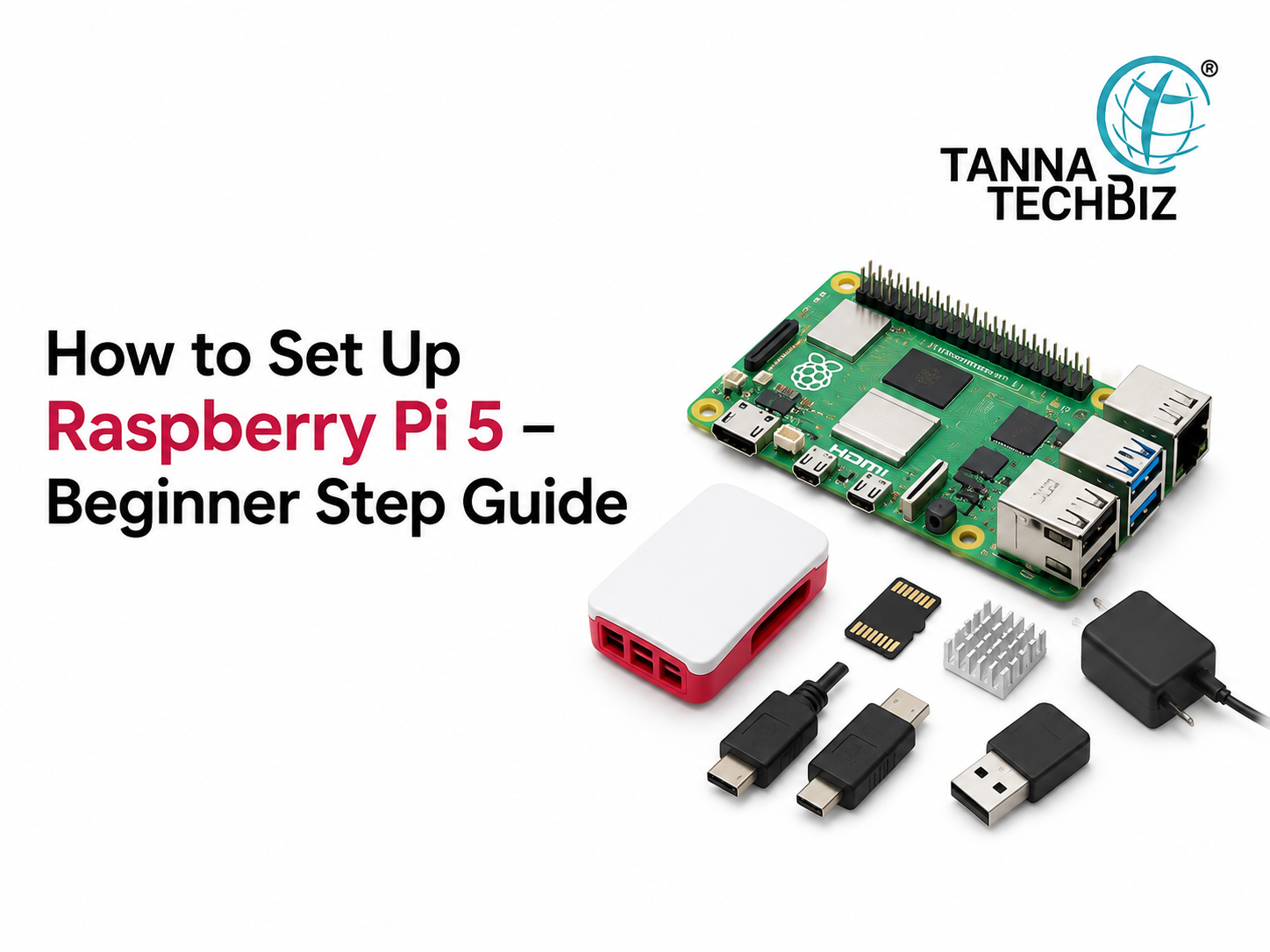
Projects with Raspberry Pi can use USB connections and serial communication to control the sensor. Similarly, a banana pi board can process robotic tasks in Linux if the software supports this operating system.
However, do not forget to check driver, operating system and ROS support before the purchase. Additionally, test the power consumption under normal working conditions.
Consider Advanced Requirements First
Not all robots need to avoid close obstacles. Some robots should build maps and determine the current location.
If your robot needs some advanced mapping capabilities, consider using the integrated SLAM algorithm. The Mapper M2M2 offers stated range of 40 meters and advanced mapping capabilities.
Therefore, make your choice based on the navigation requirements, not on additional features.
Conclusion
Choosing an RPLIDAR sensor means finding the best balance between range, speed, power consumption and software compatibility. Whether your project is based on Raspberry Pi or banana pi board, proper planning can help to avoid integration issues.
Tanna TechBiz provides RPLIDAR sensors and development boards for robotics projects.

 October 26, 2026