A screen can completely change how a Raspberry Pi project feels. Instead of checking data through a laptop, you can see sensor readings, control a robot, display a camera feed, or interact with a smart device directly from the project itself.
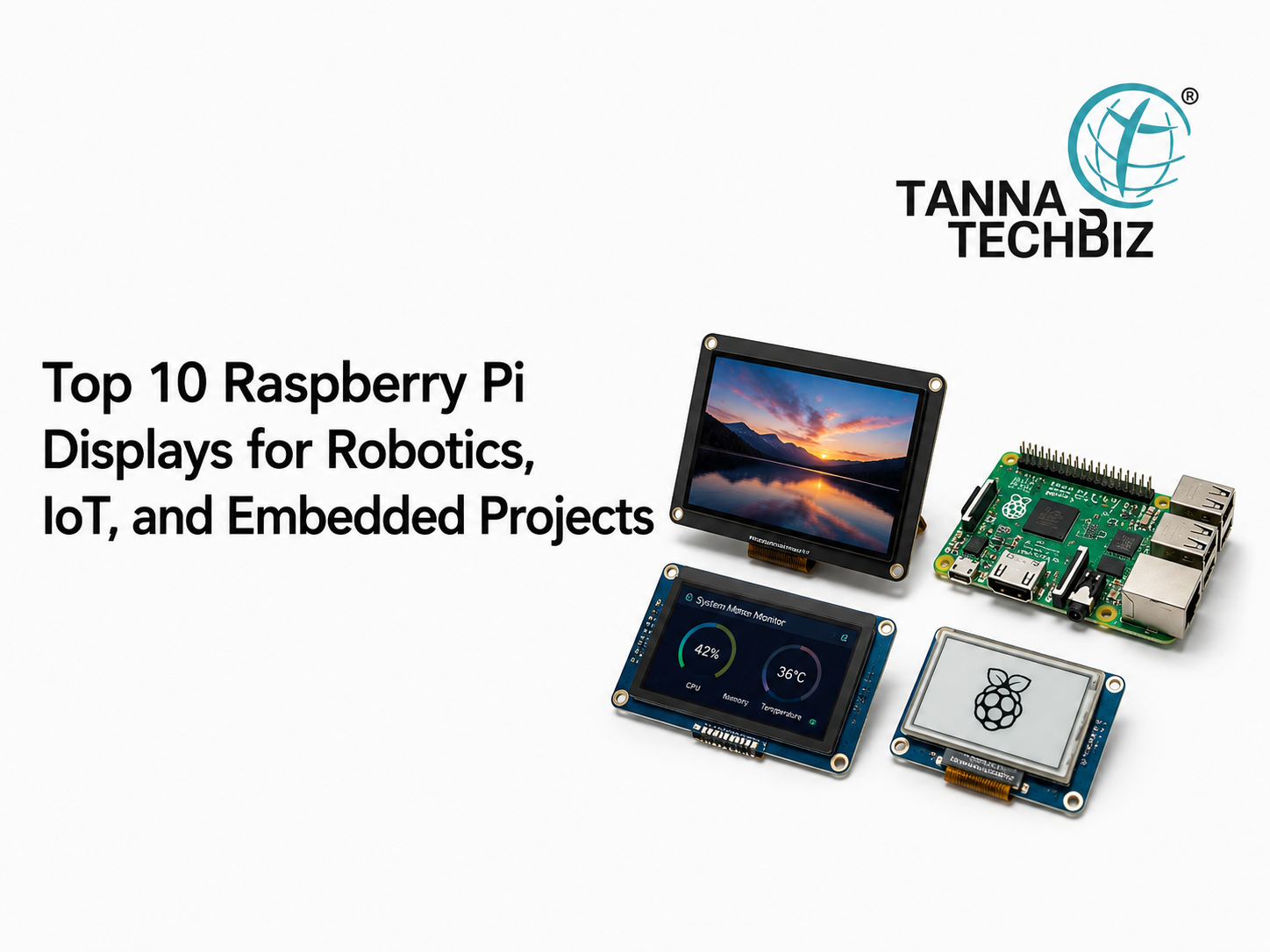
That’s where a Raspberry pi display becomes useful. From compact touchscreens to larger HDMI panels, there are plenty of options for different kinds of builds. Here are 10 display types worth considering:
1. Raspberry Pi Official Touch Display
A natural choice for Raspberry Pi projects. Its touchscreen interface works particularly well for dashboards, smart home controls, and portable devices.
2. Raspberry Pi 7-Inch Touchscreen
The larger screen gives you more room for buttons, graphs, menus, and live sensor information. It's particularly handy for IoT dashboards.
3. HDMI Touchscreen Display
Need something that feels more like a small computer monitor? HDMI displays offer a simple way to connect a Raspberry Pi to a larger screen while retaining touchscreen functionality on compatible models.
4. Compact 3.5-Inch Display
Small projects need small screens. A compact display can fit neatly into handheld devices, robotics controllers, and portable monitoring systems.
5. 5-Inch HDMI Display
A 5-inch screen offers a useful middle ground. It isn't bulky, but there's enough space for menus and visual feedback without squinting.
6. OLED Display
OLED screens work beautifully for simple information such as temperature, battery levels, sensor readings, or system status. They're especially useful when you don't need a full graphical interface.
7. LCD Display
LCD panels remain a practical option for embedded projects where affordability and clear information matter. Depending on the model, they can display text, graphics, dashboards, and video.
8. E-Ink Display
Building a low-power project? E-Ink can be an interesting choice. These displays consume very little power while showing information such as schedules, readings, or status updates.
9. High-Resolution HDMI Monitor
For robotics projects involving cameras or computer vision, a larger high-resolution screen can make live footage much easier to monitor. It also works well for development and testing.
10. Portable Touchscreen
A portable touchscreen gives makers flexibility. You can use it for field robotics, portable IoT systems, testing equipment, or projects that need a more interactive interface.
How Do You Choose?
The best Raspberry pi display depends on what you're building.
For robotics, think about size, viewing angle, touch support, and durability. For IoT dashboards, resolution and connectivity may matter more. For battery-powered projects, power consumption becomes a major consideration.
A first-time maker named Riya learned this while building a small robot. She initially picked a large screen because it looked impressive online. Once she mounted everything together, the robot became awkwardly heavy and difficult to move.
She switched to a smaller touchscreen. Suddenly, the project made much more sense.
That's a useful lesson: bigger isn't automatically better.
Why the Right Display Matters
A Raspberry pi display isn't simply there to make a project look polished. It can become part of the actual user interface, allowing people to interact with the device, monitor information, and make changes without connecting another computer.
Before buying one, check compatibility with your Raspberry Pi model, required connectors, resolution, power requirements, mounting options, and whether you actually need touch functionality.
Tanna TechBiz provides Raspberry Pi products, displays, development boards, embedded hardware, and technology solutions for makers, engineers, students, and professional developers. Whether you're building a robot, IoT dashboard, or embedded prototype, the right hardware can make development much easier.
Looking for the right display for your next project? Contact us at Tanna TechBiz and find a suitable solution for your requirements.

 October 20, 2026